MenubarRadio
A tiny internet-radio player that lives in your Mac’s menu bar — and quietly tells you what’s playing.
Pick a station, hit play, and a little radio sits in your menu bar. It records the stream to disk byte-for-byte when you want a copy, and announces each track as it changes — reading the station’s own song titles when it sends them, and falling back to a built-in Shazam-style identifier when it doesn’t.
Screenshots
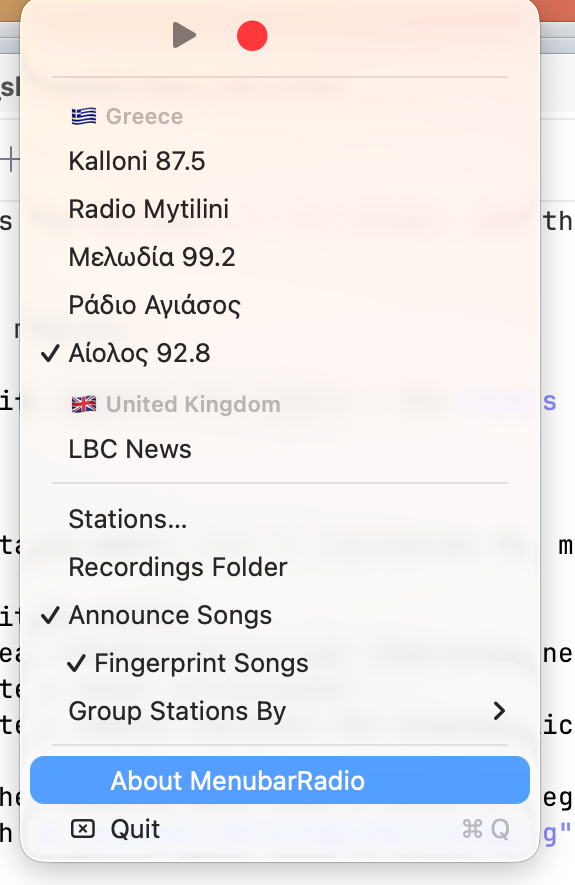
Play, record, and your stations grouped by country — straight from the menu bar.
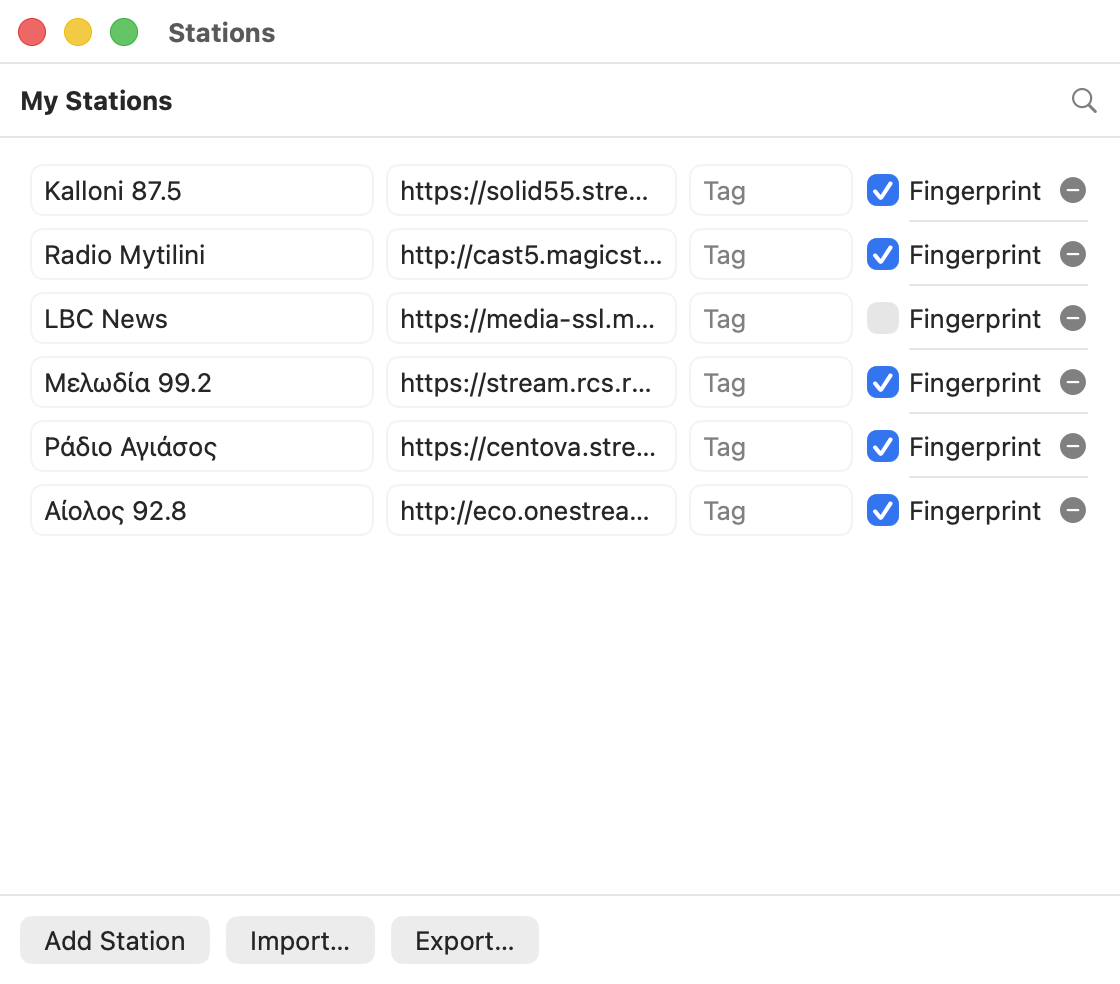
Manage your stations and discover new ones, Finder-style.
Features
- Menu-bar player — no Dock clutter, no window; just a radio icon.
- Record any station to
~/Music/Radio Recordings, untouched and lossless. - Now-playing notifications with cover art, à la Apple Music.
- Station discovery — search the radio-browser.info
directory right from the app (
country:GR,tag:jazz, …), grouped by country, region, language or your own tags.
Download
⬇ Download MenubarRadio 1.0
macOS 14 or later. Free.
First launch
The app is signed but not notarized by Apple (it’s a personal build, not from the App Store), so the first launch takes one extra step:
- Unzip and drag MenubarRadio.app into Applications.
- Double-click it — macOS will refuse the first time. Click Done.
- Open System Settings → Privacy & Security, and next to the note about MenubarRadio, click Open Anyway.
You only do this once. Or, from Terminal:
xattr -dr com.apple.quarantine /Applications/MenubarRadio.app